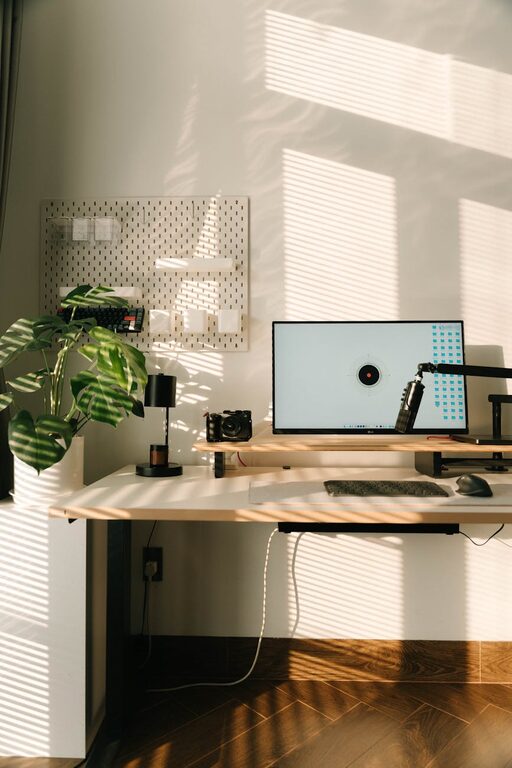
Creating a home workspace that feels both cozy and functional is key to maintaining productivity and comfort throughout your workday. Whether you work remotely full-time or just need a dedicated spot for occasional tasks, setting up the right environment can make a big difference. In this post, we’ll explore practical tips to help you design a workspace that supports focus, inspires creativity, and feels like a welcoming part of your home.
Why a Cozy and Functional Workspace Matters
Before diving into design tips, it’s important to understand why balancing coziness with functionality is essential. A cozy setup helps reduce stress and makes you more eager to spend time in your workspace, while functionality ensures that you can work efficiently without distractions or discomfort. Together, they create a positive environment that supports your well-being and professional tasks.
Choosing the Ideal Location
Find a Quiet Spot
Select a space away from high-traffic areas and noise. If possible, dedicate an entire room or a corner specifically for work. This helps your brain associate the area with productivity.
Maximize Natural Light
Natural light boosts mood and concentration. Position your desk near a window to take advantage of daylight. If natural light is limited, opt for quality artificial lighting that mimics daylight to reduce eye strain.
Setting Up Your Workspace Essentials
Invest in a Comfortable Chair
Your chair plays a big role in your physical comfort. Choose an ergonomic model that supports your posture, especially if you spend many hours at your desk.
Choose the Right Desk
A desk with enough surface area for your laptop, monitor, and accessories keeps your space organized and clutter-free. Adjustable desks that allow standing or sitting are also a great option.
Organize with Storage Solutions
Use shelves, drawers, and organizers to keep supplies and documents tidy. Declutter regularly to maintain a neat and inviting environment.
Adding Cozy Touches
Incorporate Textiles
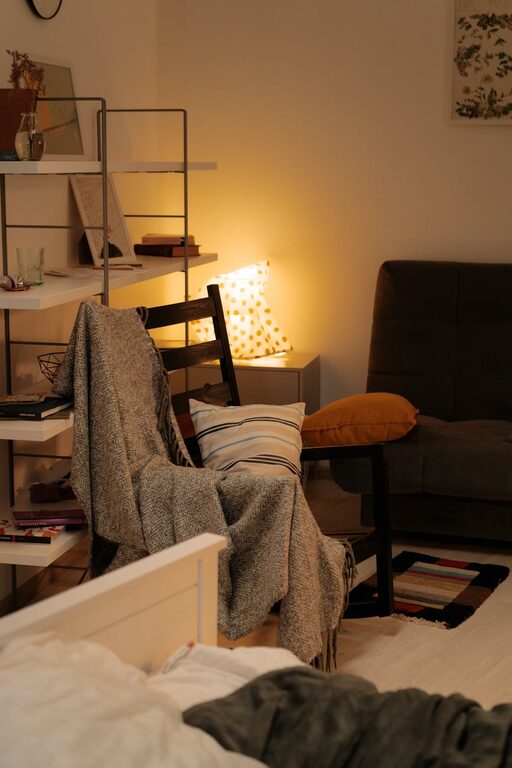
Adding a soft rug, cushions, or a cozy throw can make your workspace feel warm and inviting.
Use Plants
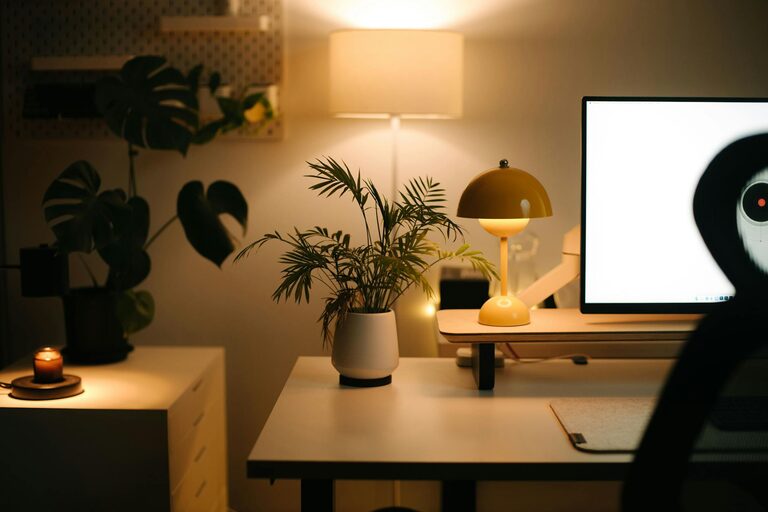
Greenery not only beautifies your space but can improve air quality and enhance mood. Choose low-maintenance plants like succulents or pothos.
Personalize Thoughtfully
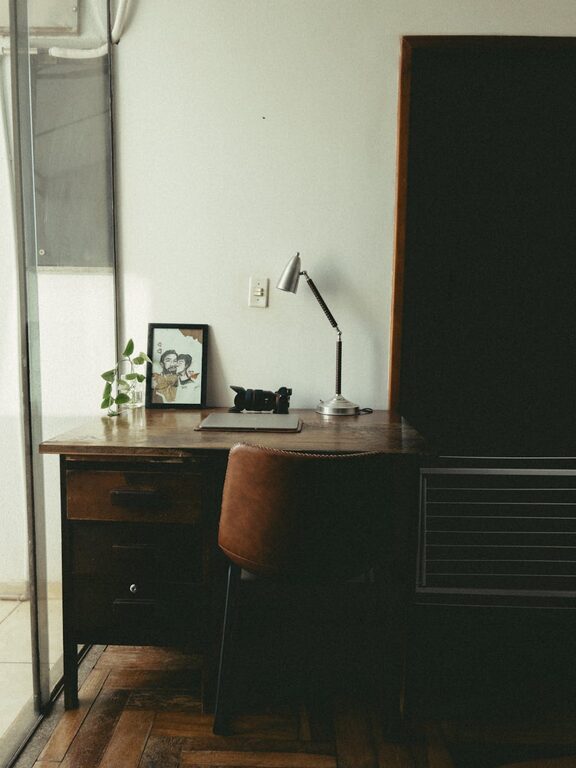
Display photos, artwork, or inspirational quotes that motivate you without causing distraction. Personal touches make your workspace uniquely yours and more enjoyable.
Lighting Tips for Comfort and Productivity
Layer Your Lighting
Combine ambient, task, and accent lighting to create a balanced and adaptable lighting scheme. A desk lamp with adjustable brightness lets you control focus and glare.
Avoid Screen Glare
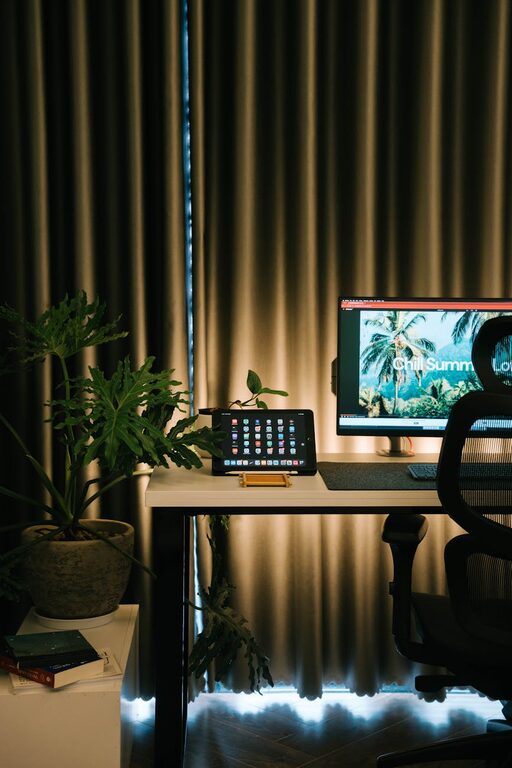
Position screens perpendicular to windows and use blinds or curtains to manage sunlight. Proper lighting reduces eye fatigue and headaches.
Technology Setup for Efficiency
Invest in Quality Equipment
Reliable tech such as monitors, keyboards, and headphones can improve workflow and reduce frustration.
Manage Cables
Use cable organizers or clips to keep wires tidy and prevent a tangled mess that can distract and annoy.
Maintaining a Healthy Routine
Take Breaks
Set reminders to stretch and step away from your desk regularly. This helps keep your mind fresh and your body comfortable.
Keep Hydrated and Nourished
Keep water and healthy snacks nearby to maintain energy levels throughout the day.
Final Thoughts
Designing a cozy and functional home workspace is about blending comfort with practicality. By carefully selecting your location, investing in ergonomic furniture, incorporating personal touches, and optimizing lighting and technology, you can create a space that supports your productivity and well-being. Take time to adjust your setup as your needs evolve, and enjoy the benefits of a workspace that makes you feel both relaxed and ready to work.
About the Author