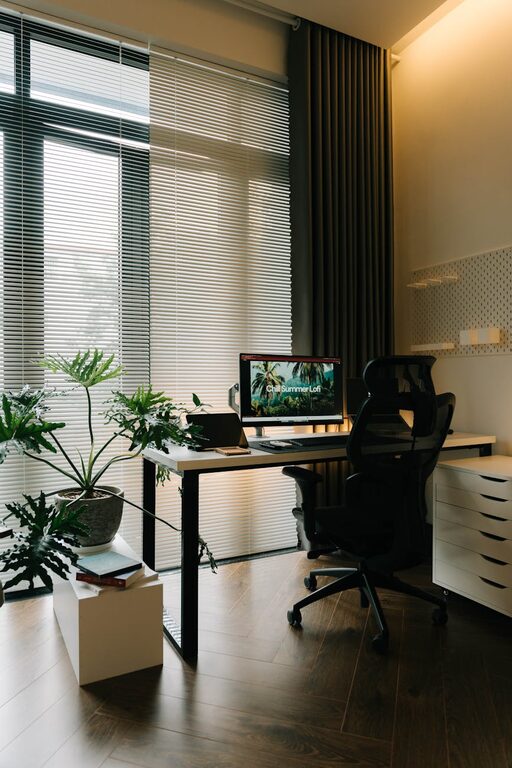
Creating a relaxing home workspace is essential for maintaining productivity and well-being, especially as many people continue to work remotely or blend home and office routines. A peaceful and well-organized environment helps reduce stress, increase concentration, and make working from home more enjoyable. This post offers practical tips to help you set up a workspace that feels comfortable, calming, and conducive to productivity.
Why a Relaxing Workspace Matters
When working from home, your workspace often becomes your primary environment for long hours. A cluttered, noisy, or uncomfortable space can lead to distractions, fatigue, and decreased motivation. Conversely, a relaxing workspace can:
– Improve focus and efficiency
– Reduce stress and anxiety
– Encourage positive daily habits
– Enhance creativity and problem-solving skills
By creating a dedicated area that promotes calmness, you help your mind associate this space with work, which can encourage better performance and satisfaction.
Choosing the Right Location
Start by selecting a spot in your home that naturally supports concentration and calmness.
Consider Natural Light
If possible, position your desk near a window. Natural light boosts mood and alertness. Plus, it reduces the strain on your eyes compared to artificial lighting.
Minimize Noise Distractions
Find a quiet corner or room away from household traffic. If complete silence isn’t possible, consider using noise-cancelling headphones or playing soft background music.
Define Your Space
Whether it’s a dedicated room or a small nook, make sure your workspace has clear boundaries. This helps separate work from relaxation areas, creating a psychological distinction that can improve work-life balance.
Ergonomic Furniture and Layout
Comfort is critical when spending hours at a desk. Ergonomic furniture helps prevent aches and discomfort.
– Choose a supportive chair with adjustable height and good lumbar support.
– Use a desk at the right height so your arms rest comfortably while typing.
– Place your monitor at eye level to avoid neck strain.
– Keep frequently used items within easy reach to reduce unnecessary movement.
Additionally, maintaining a tidy, efficient layout can reduce stress and save time.
Personalize to Promote Calm
Adding personal touches can make your workspace more inviting and relaxed.
Use Soothing Colors
Soft, neutral tones like blues, greens, or pastels can create a calming atmosphere. Avoid overly bright or distracting colors in your main work area.
Add Plants
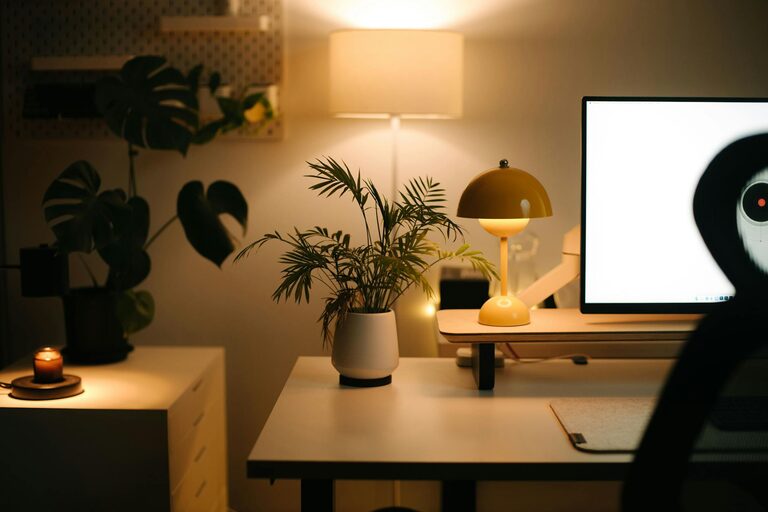
Indoor plants improve air quality and bring a touch of nature indoors, which can reduce stress and improve mood.
Display Inspiring Items
Keep a few motivating quotes, photos, or objects that bring you joy, but avoid clutter.
Organize for Efficiency and Peace of Mind
Mess and clutter can cause distraction or overwhelm. Implement systems to keep your space organized.
– Use trays, shelves, or boxes to store papers and supplies.
– Regularly declutter to avoid accumulation.
– Organize cables with clips or ties to prevent tangling.
– Use digital apps to manage tasks and calendars, minimizing physical clutter.
A clean area helps your mind feel clearer and more focused.
Lighting and Ambiance
Proper lighting affects both comfort and productivity.
– Use adjustable desk lamps for focused lighting.
– Avoid harsh overhead lights that cause glare.
– Consider warm light bulbs for a cozy feel.
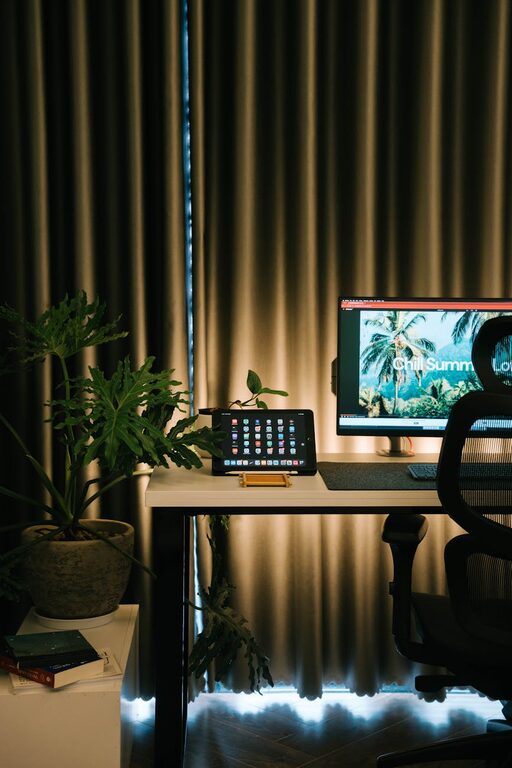
– Use blackout curtains or blinds to control natural light when needed.
Experiment with ambient sounds or white noise to help concentration if silence feels too isolating.
Take Breaks and Move
Even in a relaxing workspace, sitting for extended periods isn’t healthy or productive.
– Stand up or stretch every hour.
– Use a timer to remind you to take short breaks.
– If possible, position your workspace near a window or outdoor space for fresh air during breaks.
Movement helps refresh your mind and reduces physical tension.
Maintain Boundaries for Work-Life Balance
A relaxing workspace can help you mentally separate work from home life.
– Set clear work hours.
– “Close” your workspace at the end of the day by turning off equipment or covering your desk.
– Avoid using your workspace for unrelated activities like watching TV or eating.
This helps your brain switch modes and keep both work and relaxation areas balanced.
Final Thoughts
Creating a relaxing home workspace is more than just aesthetics—it’s about designing a space that supports your focus, comfort, and well-being. By choosing the right location, using ergonomic furniture, personalizing your area, staying organized, and managing lighting and ambiance, you can boost productivity while minimizing stress. Remember to listen to your needs and make adjustments to create a space that truly works for you.
With a well-planned workspace, working from home can be both efficient and enjoyable. Take the time to set up your environment thoughtfully, and you’ll likely see benefits in your daily work and overall happiness.
About the Author